
Unpaid Invoices and Paused Scans
Introduction
AAArdvark pauses scanning for a workspace with an unpaid invoice. This guide covers what you’ll see, who can act on it, and how to resolve it.
What Triggers a Scan Pause
An unpaid invoice pauses scanning until it’s paid. Everything else – your dashboard, existing scan results, and page views – stays accessible as normal.
What You’ll See
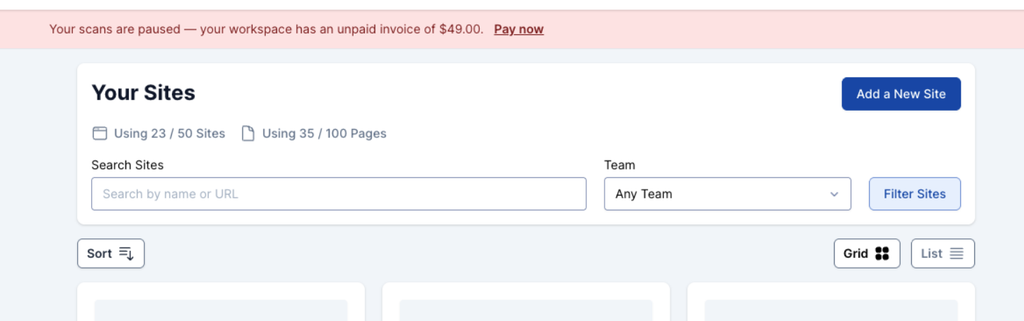
Once a workspace is on hold, a sticky banner appears across the app showing the amount owed.
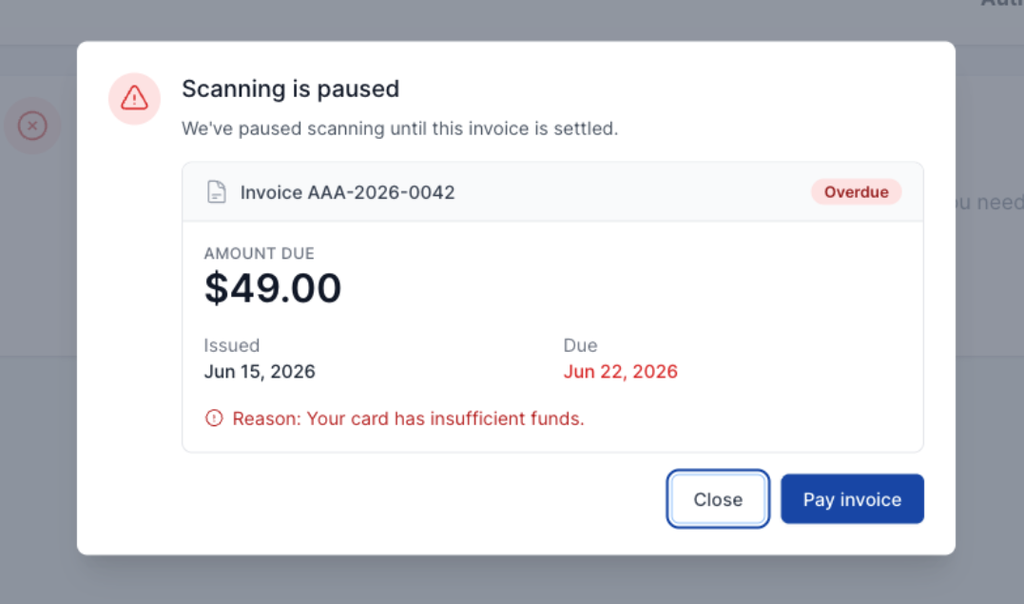
If you try to run a scan while on hold, a modal opens instead of the scan starting, so no failed scan is created. The modal shows the invoice number, amount, an Overdue status, the issued and due dates, and the decline reason – along with a Pay Invoice and Close buttons.
Who Can Pay the Invoice
Only the workspace Owner can pay the invoice. Administrators, Project Managers, Accessibility Testers, Developers, and Clients don’t have billing access – if you hold one of these roles, contact your workspace Owner to resolve it.
Notifications
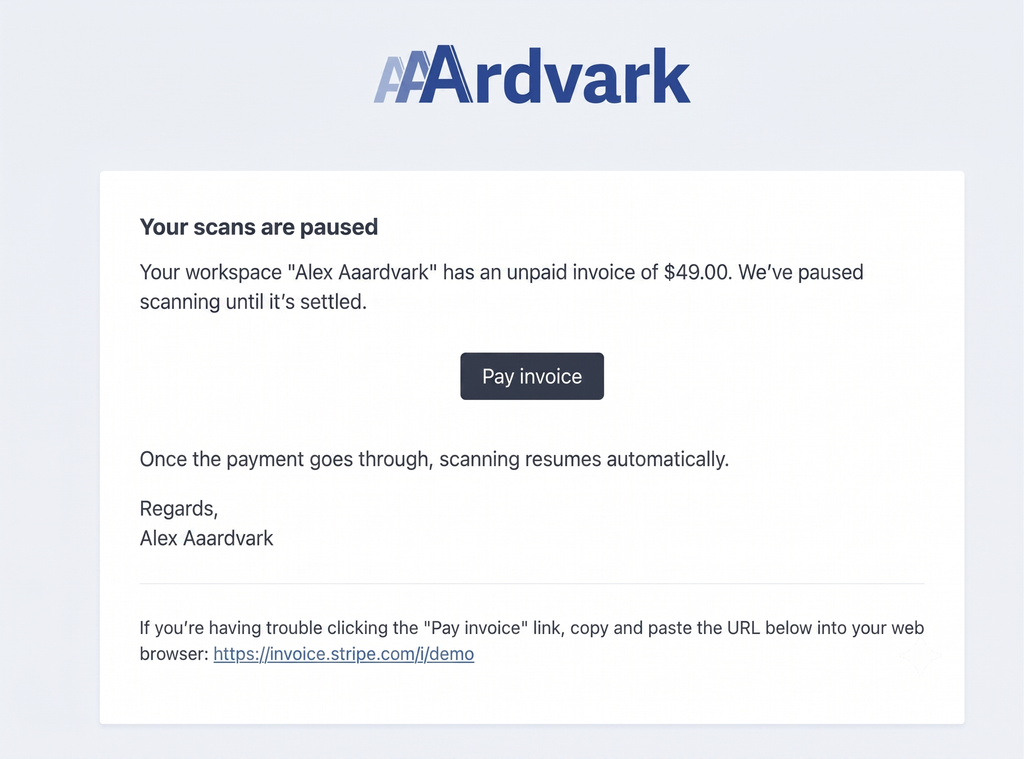
When a hold is first placed, the workspace owner gets both an email and an in-app notification. If the invoice is still unpaid after that, a reminder goes out weekly until it’s resolved.
How to Resolve It
Pay the invoice, then open Plan & Billing or try running a scan again – either one rechecks your payment and clears the hold right away.
For general billing and payment questions, see the Plan & Billing guide.