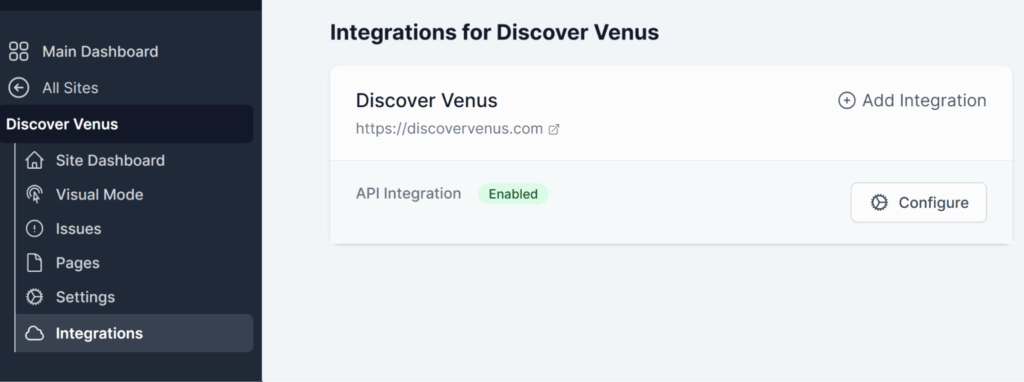
API Integrations
Introduction
The API Integration feature allows you to connect AAArdvark with third-party applications and services. In this guide, we’ll walk you through how to create an API key to add it to an external application, making it easy for AAArdvark to integrate with your existing workflows.
Configuring API Integration
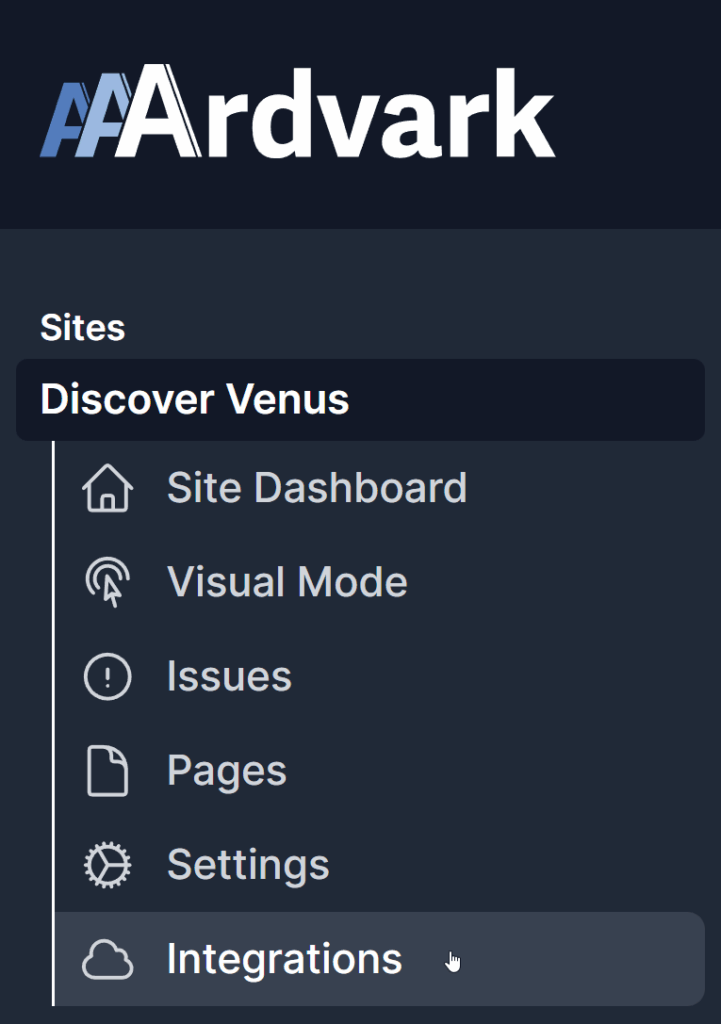
In your AAArdvark Workspace, select the site you’d like to configure from the left sidebar menu. Then, click Integrations to begin setting up your API key.
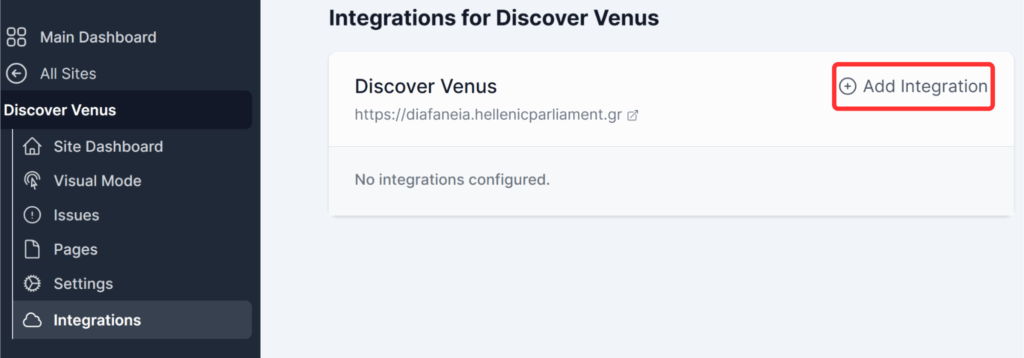
Once the Integrations screen opens next to the sidebar, select Add Integration.
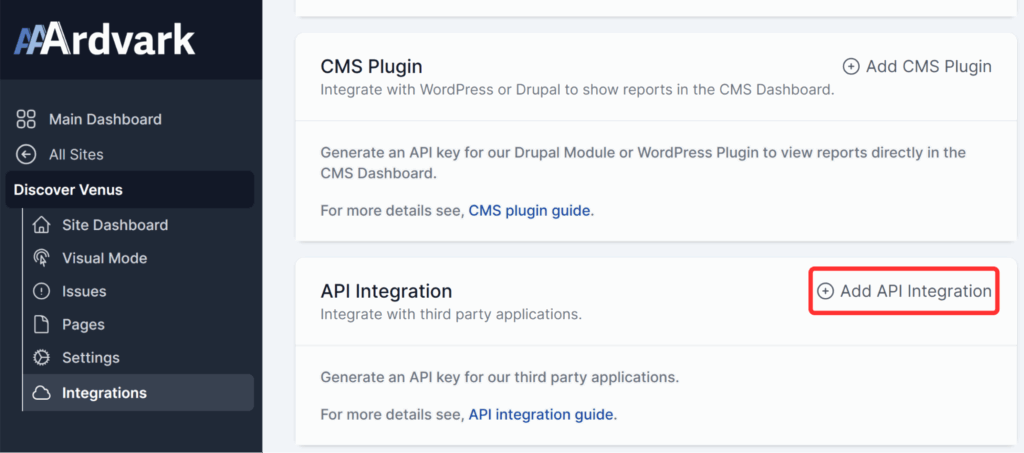
On the next screen, you’ll see the API Integration option at the bottom. Click Add API Integration to proceed.
Then, on the next step, ensure the Enable Integration toggle is enabled and click Add to generate the API key.
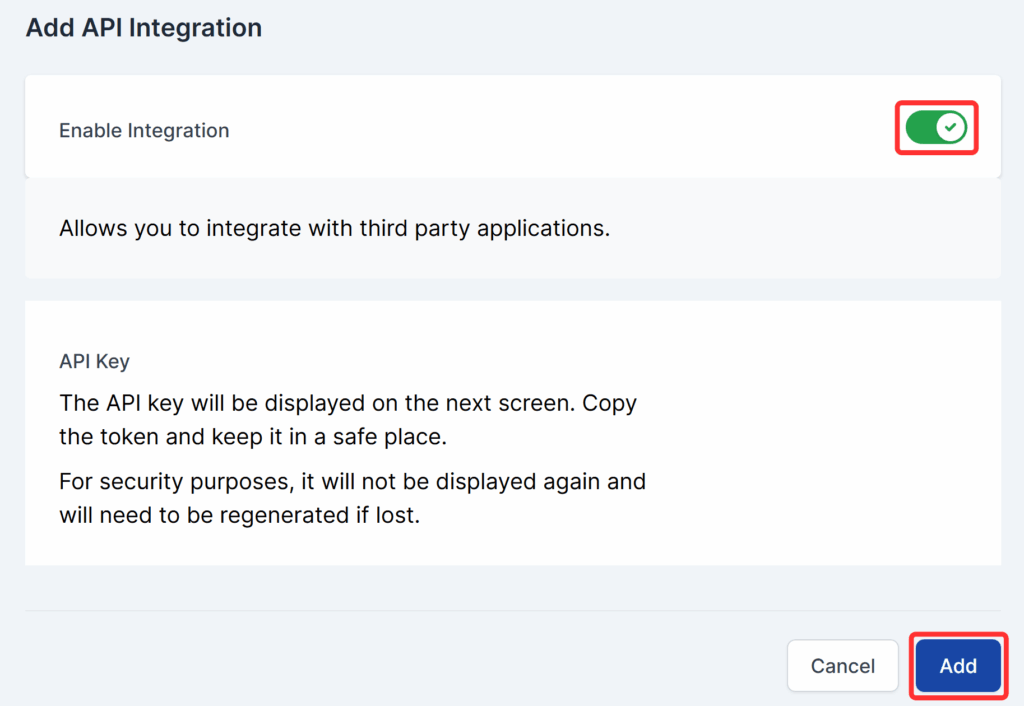
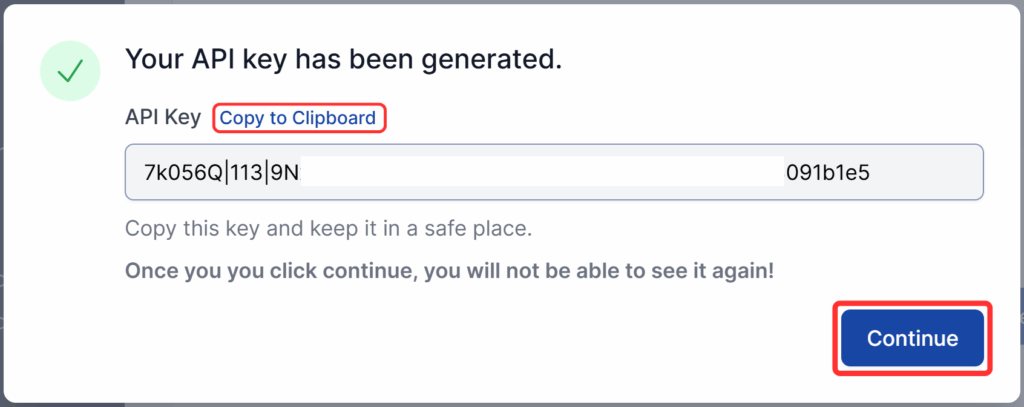
Your API key will be generated and ready to copy. After copying it from your AAArdvark workspace and pasting it into your third-party service, click Continue.
You’ll then see a confirmation that the API integration is enabled and ready to use.